
Connecting Passengers
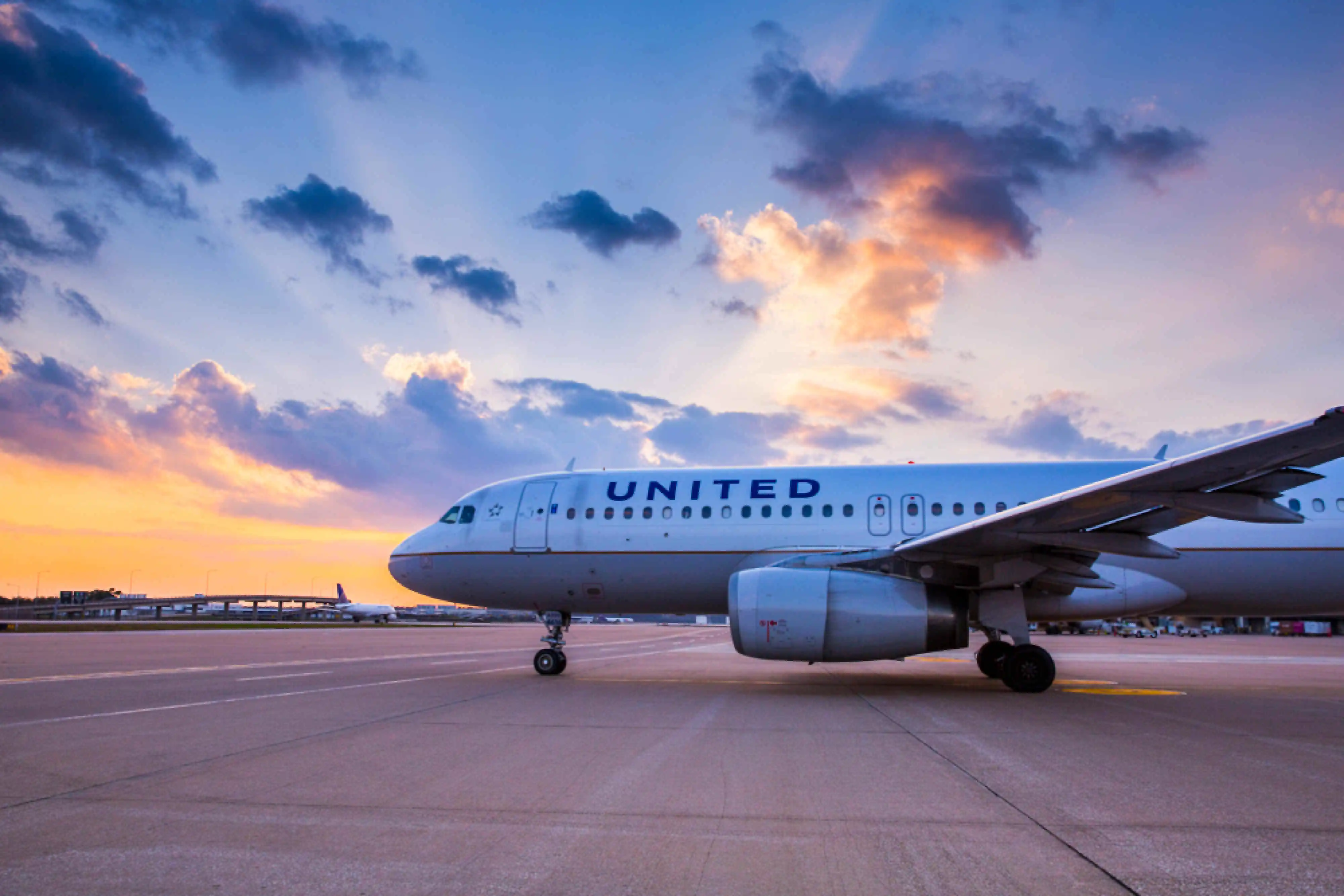
Connecting Passengers at William P. Hobby Airport (HOU)
Passengers connecting through William P. Hobby Airport (HOU) can expect a smooth and convenient transfer experience. HOU is designed to make connections between flights efficient, allowing travelers to move quickly between gates and airport services.
If you are connecting to another flight, please follow the airport signage and airline instructions to locate your next departure gate. Flight information screens located throughout the terminal provide updated details regarding boarding times, gate changes, and departure status.
Passengers arriving on international flights must first complete U.S. Customs and Border Protection processing, including passport control and baggage inspection, before continuing to their next flight. After clearing customs, travelers should proceed to the airline check-in counters or follow the signs directing them to connecting flights.
For domestic connections, passengers should verify their gate information as soon as they arrive in the terminal. Boarding gates may change, so it is recommended to monitor the flight information displays or check directly with your airline.
Travelers with longer connection times may take advantage of airport amenities including restaurants, retail shops, charging stations, and passenger services available throughout the terminal. Steps for Connecting Passengers
Passengers making a connection at HOU should follow these general steps:
- Check the flight information displays for your next departure gate.
- Follow signs for connecting flights within the terminal.
- Verify your boarding time and gate number with your airline.
- Allow sufficient time between flights, particularly during peak travel periods.
- If needed, contact airline staff for assistance with rebooking or gate information.